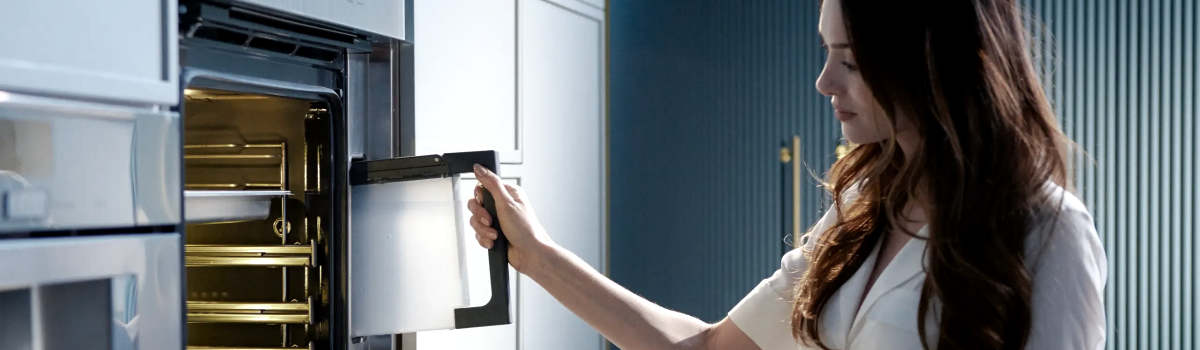
Your Thermador oven is designed for precision cooking and exceptional performance. However, even the most advanced appliances can encounter issues, and one common error that may appear is Error Code E303. This code indicates that the electronic oven control board has become too hot, exceeding 212 degrees Fahrenheit.
Understanding what triggers this error and how to address it can save your oven from further damage and keep your cooking routine uninterrupted. In this guide, we’ll cover the causes of E303, DIY troubleshooting steps, and preventive measures to help maintain your oven in top condition.
What Does E303 Mean?
The E303 error is a warning that the control board, the brain of your oven, is overheating. The control board regulates all electronic functions of the oven, including temperature, timers, and safety systems. When it becomes too hot, the oven may display E303 and may even shut down automatically to prevent permanent damage.
Overheating can happen gradually or suddenly, depending on the underlying issue. Common symptoms include:
- Oven shutting off unexpectedly during cooking
- Error code E303 appearing on the display
- Reduced performance of heating elements
- Unusual warm spots near the control panel
Recognizing these early signs allows you to take action before the overheating causes more serious problems.
Common Causes of E303
Several factors can trigger Error Code E303. Most of them relate to airflow, insulation, or cooling mechanisms in the oven. The main causes include:
- Improper Oven Door Closure: A door that doesn’t close completely allows heat to escape, which can increase the temperature near the control board.
- Damaged Door Hinges: Faulty hinges prevent the door from sealing properly, contributing to overheating.
- Worn or Damaged Door Seal: If the seal around the door is compromised, hot air can leak, affecting the control board.
- Cooling Fan Malfunction: The oven’s cooling fan helps dissipate heat from the control board. If it is not functioning, the board can overheat.
- Loose or Damaged Wiring: Connections related to the cooling fan or control board that are loose or damaged can prevent proper fan operation.
Addressing these causes promptly helps maintain the oven’s performance and prevents repeated E303 errors.
DIY Troubleshooting Steps
If you’re comfortable with basic inspection and minor repairs, there are several steps you can try to resolve E303 safely. Always ensure the oven is completely powered off before performing any checks.
First, check the oven door. Make sure it closes fully and sits flush with the oven body. Even a slight gap can allow heat to escape and cause the control board to overheat.
Next, inspect the door hinges. Look for signs of wear, bending, or damage. Hinges that don’t hold the door tightly in place may need replacement to restore proper sealing.
Then, examine the door seal. Check for cracks, tears, or flattened areas that compromise the seal. Replacing a damaged seal is often an effective solution to prevent heat loss near the control board.
The cooling fan is another critical component. Inspect the fan’s wire harness to ensure all connections are tight and free from damage. Verify that the fan spins freely and operates when the oven is in use. A malfunctioning fan can be replaced to restore proper cooling.
After addressing these areas, power the oven back on and run a short test cycle. Observe whether the E303 error clears and the oven maintains consistent temperatures.
Real-Life Examples
Many Thermador owners have encountered E303 due to common usage patterns or minor maintenance oversights. For instance:
- Heavy Baking Loads: Cooking multiple dishes at high temperatures can stress the control board if airflow is blocked.
- Aging Door Seals: Over time, seals lose elasticity, reducing the oven’s ability to contain heat effectively.
- Accumulated Grease or Debris: Dirt or grease near the cooling fan or hinges can impede proper airflow and contribute to overheating.
These examples show that E303 is often preventable with routine checks and maintenance.
Preventive Maintenance Tips
Maintaining your Thermador oven helps avoid repeated E303 errors and extends the appliance’s lifespan. Consider these preventive practices:
- Regularly Inspect Door Hinges and Seals: Check for wear and replace components as needed to maintain a tight seal.
- Keep the Cooling Fan Clean: Remove debris or dust that may hinder the fan’s performance.
- Avoid Overcrowding the Oven: Excessive heat buildup can occur when the oven is overloaded with multiple dishes at once.
- Routine Oven Cleaning: Grease and spills can trap heat near the control board. Cleaning regularly reduces this risk.
- Monitor Oven Performance: If cooking times increase or the oven feels unusually hot around the control panel, investigate immediately.
By following these simple steps, you can prevent overheating, ensure optimal performance, and reduce the risk of costly repairs.
When to Call a Professional
While DIY troubleshooting can resolve many E303 issues, some situations require professional assistance. If the control board is damaged, the cooling fan fails despite inspection, or the oven continues to overheat, contact a certified appliance technician. Professionals can:
- Test and replace the control board if necessary
- Inspect internal wiring and fan mechanisms
- Ensure that the oven operates safely at correct temperatures
Professional repair ensures the oven’s electronics are protected and restores reliable performance for years to come.
Conclusion
The Thermador E303 error is a warning that the oven’s control board is overheating, usually due to airflow issues, faulty seals, or cooling fan malfunctions. While minor issues can often be resolved with careful DIY inspection and maintenance, persistent problems should be addressed by a professional.
Routine maintenance, such as checking door seals, hinges, and the cooling fan, can prevent overheating and extend your oven’s lifespan. Understanding the causes, troubleshooting steps, and preventive measures ensures your Thermador oven continues to perform at its best, delivering precise and reliable cooking results.